


A real mpv window, not a video tag
On Linux and Windows a real mpv window is embedded in the page and kept glued to a box in the layout. mpv brings its own ffmpeg, so HEVC, AV1, 10-bit, E-AC-3, DTS and half-downloaded MKVs play without codec packs.
Ventic streams torrents into a real mpv window, so HEVC, AV1, DTS and half-downloaded MKVs all play. The BitTorrent engine runs inside the app, your library stays on the devices you own, and it searches nowhere until you add a source.
Free forever · No account · No telemetry
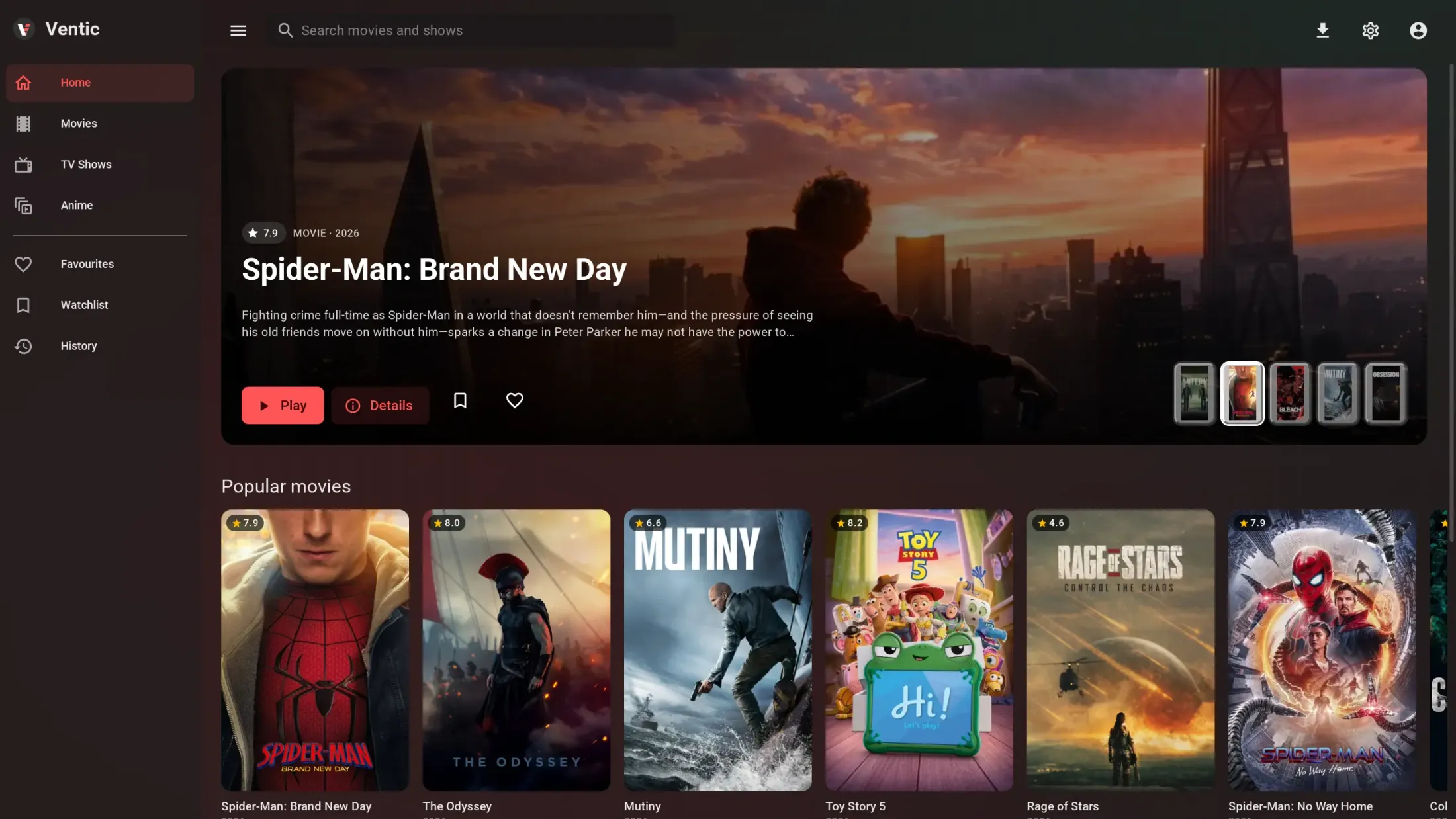
You can tell by what they fail to play. Ventic embeds mpv itself and keeps your library on your own device.
On Linux and Windows a real mpv window is embedded in the page and kept glued to a box in the layout. mpv brings its own ffmpeg, so HEVC, AV1, 10-bit, E-AC-3, DTS and half-downloaded MKVs play without codec packs.
librqbit runs inside the app, with a full downloads page: file pickers, seeding, speed limits, a disk budget and a VPN kill switch.
You watch while it downloads, and a film too big for the disk streams through a small buffer instead. A title already on disk plays again without a metadata lookup, a source search or any peers.
Where mpv can't be embedded, ExoPlayer or the webview answers the same commands, so there is one player and one set of controls everywhere.
History, progress, favourites and the watchlist live on your device, with a profile for everyone who watches. No Ventic account and no Ventic server: a backup file carries the lot, and sync goes through a WebDAV folder you already have.
Full d-pad navigation and an Android TV build. A remote reaches everything a mouse does, and your phone does the typing.
Every release gets a note saying what changed and why.
OpenSubtitles' whole catalogue built in, SubSource and SubDL with a free key of your own, and a list that says what each file costs. Downloads now bring their page, poster and subtitles along, so they play with no network. A cast takes its subtitles to the TV.
Read this noteA Calendar of new and upcoming episodes from the shows you follow. A player that skips intros and credits, offers the next episode in the last minute and downloads it while you watch. Episode ratings, a random episode and Download season on a show's page, and media keys that finally reach the film.
Read this noteEveryone who watches gets their own history, lists and settings, and a child's profile can be held to an age rating and a daily watch time, behind a PIN. The player's subtitle menu gets Language, Appearance and Timing tabs, and the episode on screen now downloads first.
Read this noteThe mpv window is drawn above the page, so the controls can't just sit on top of it. Every frame, each overlay measures its rectangle and the Rust side cuts that hole out of mpv's window. The page shows through, clicks included, and the video never resizes.
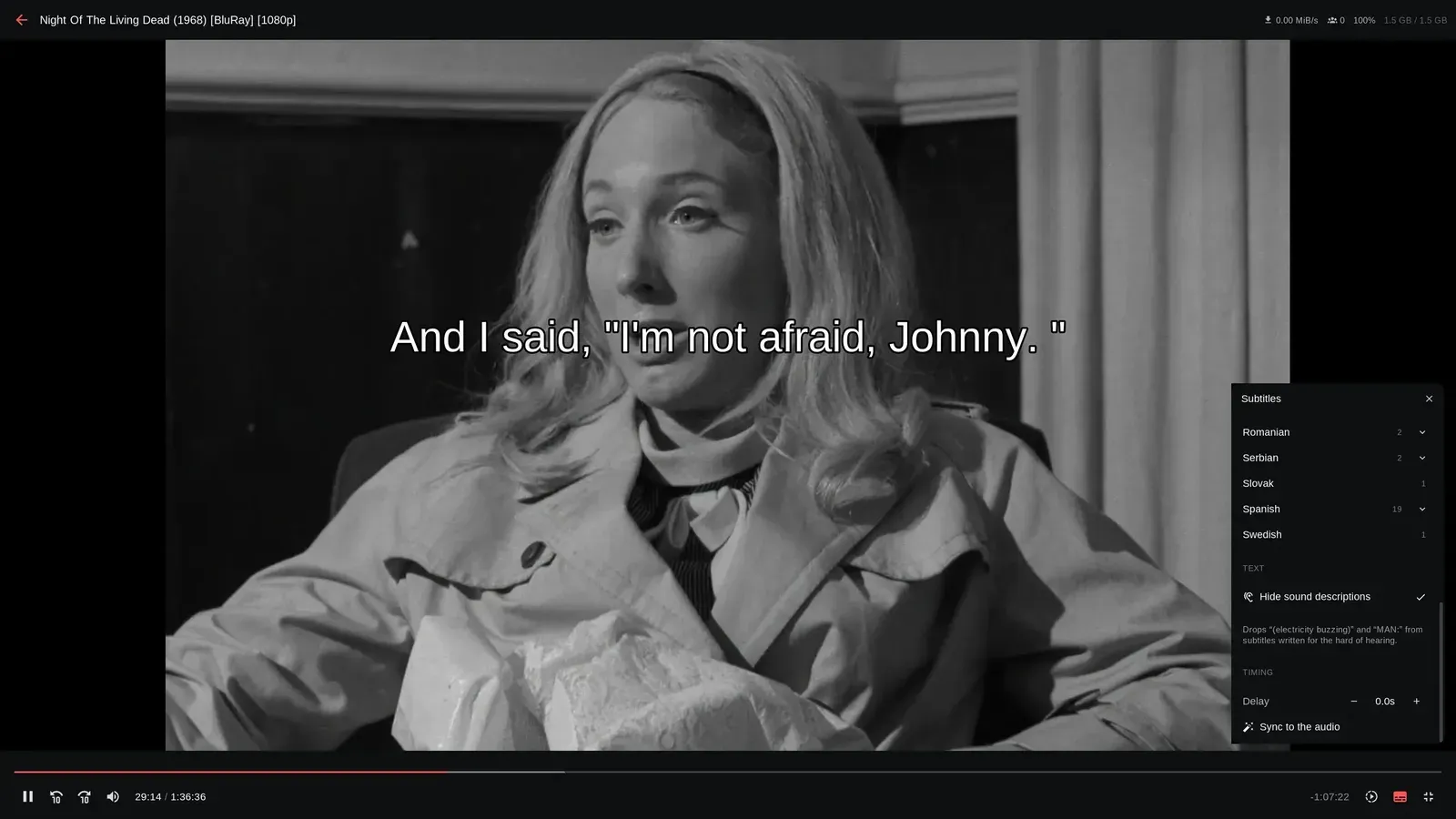
Paste a magnet and it plays. The downloads page shows everything the engine does instead of hiding it behind a "cache" setting, and with no sources added it is a complete BitTorrent client.
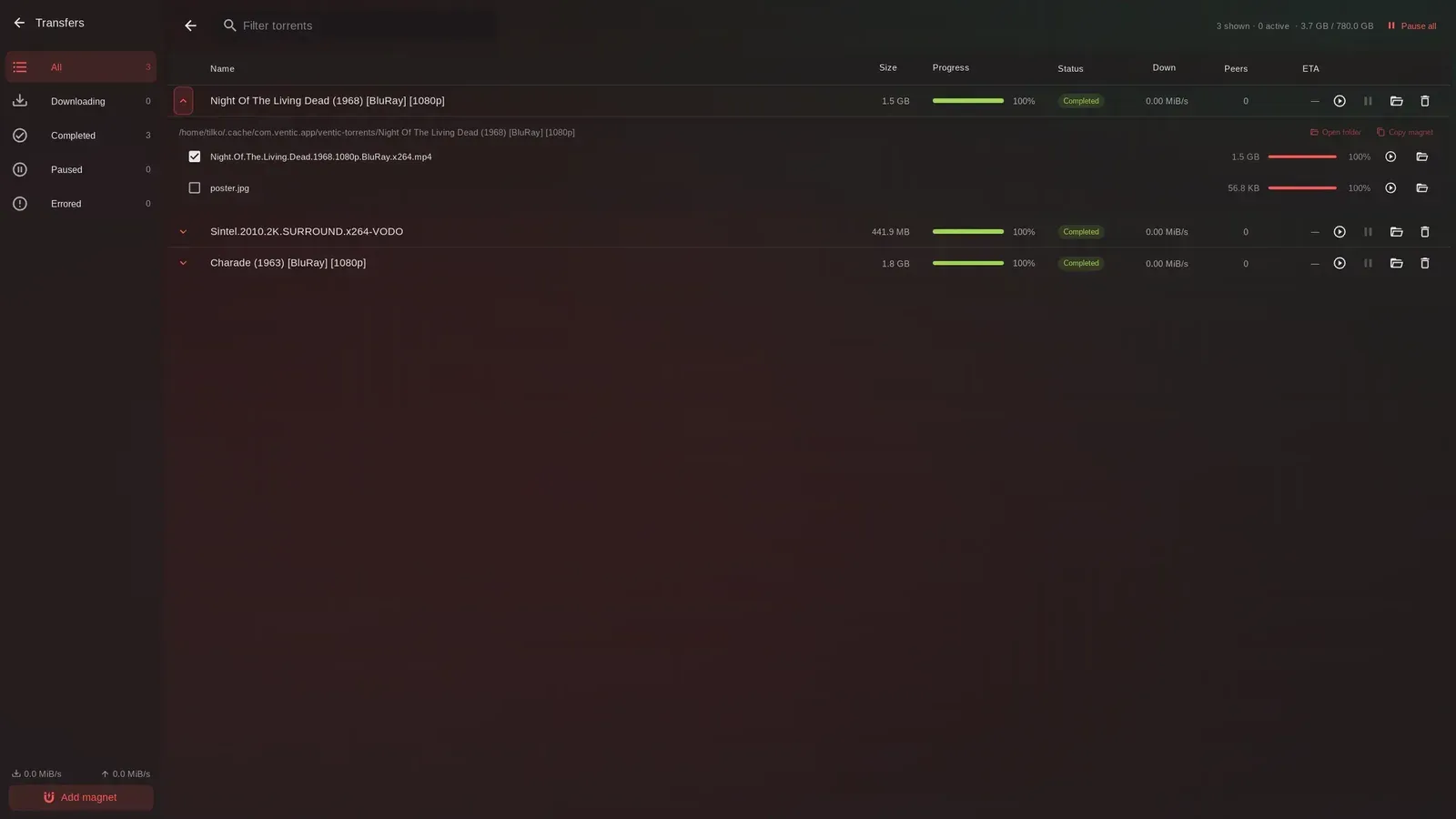
A channel is just a name and an address, so Live TV plays in the same player as your films. Add an M3U playlist or an Xtream login and the channels sit beside them, with no torrent engine, disk or swarm involved.
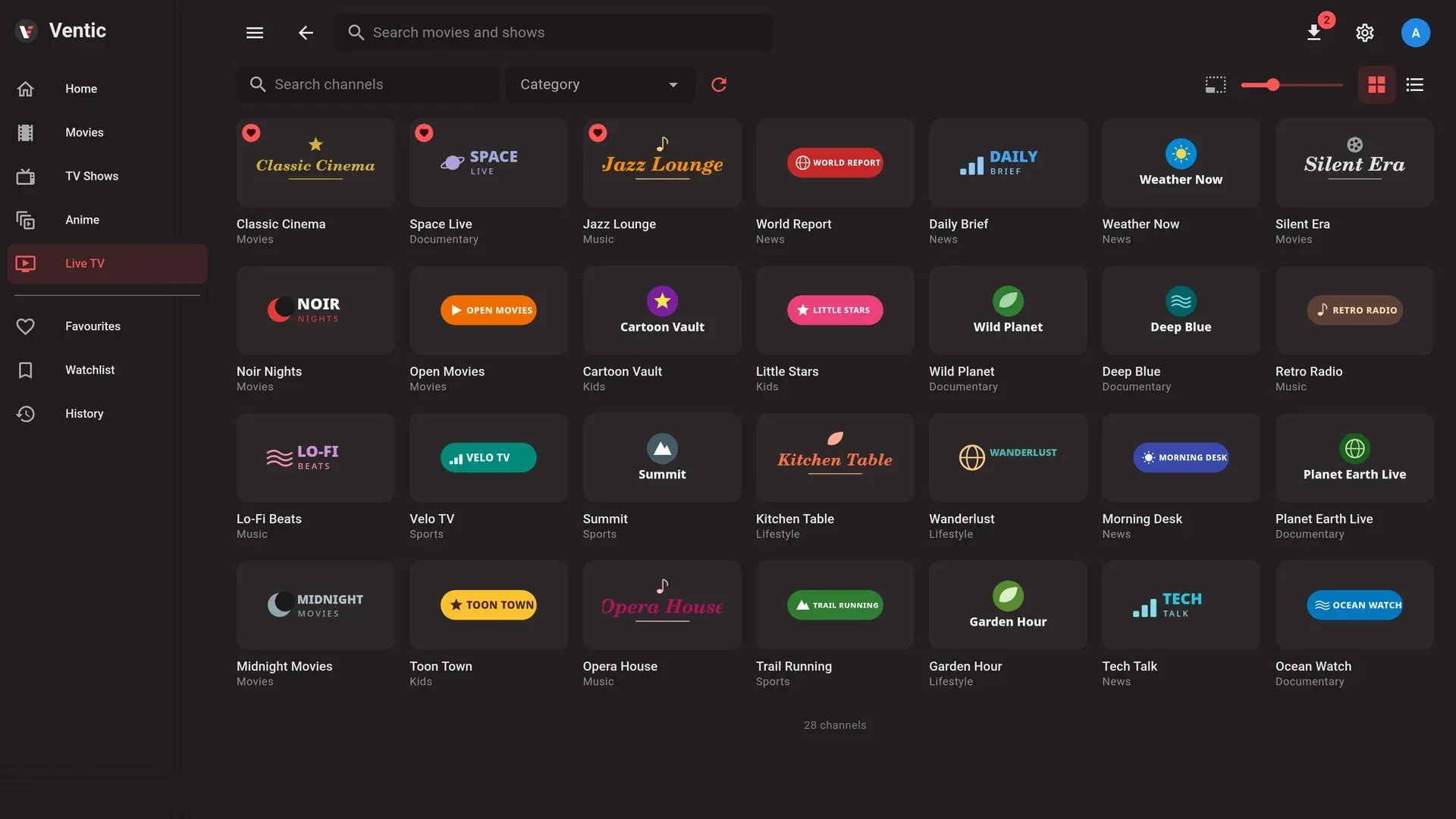
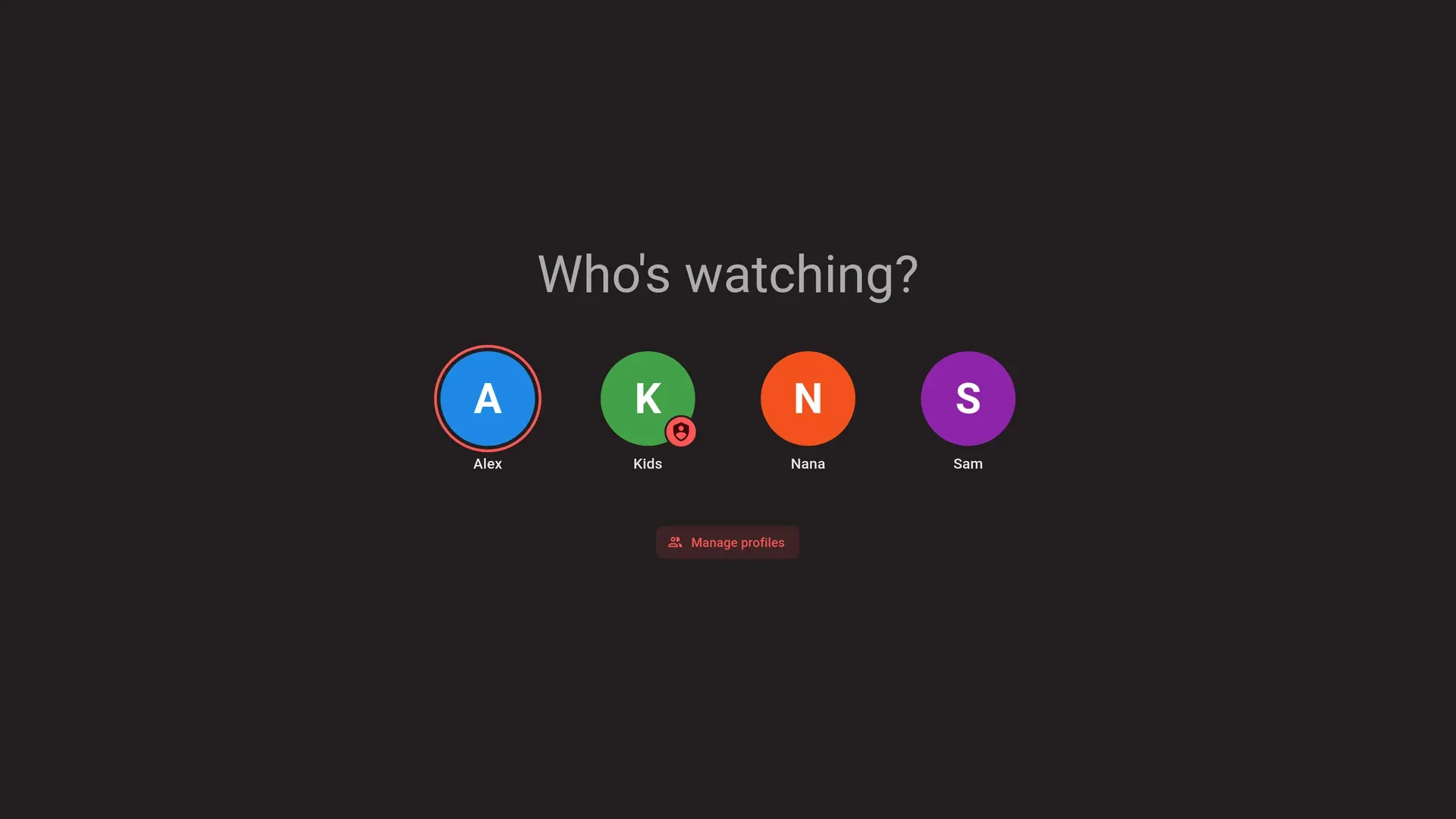
Everyone who watches gets their own history, Continue watching, favourites, watchlist and settings. Sources, downloads and the network belong to the device, so every profile shares them.
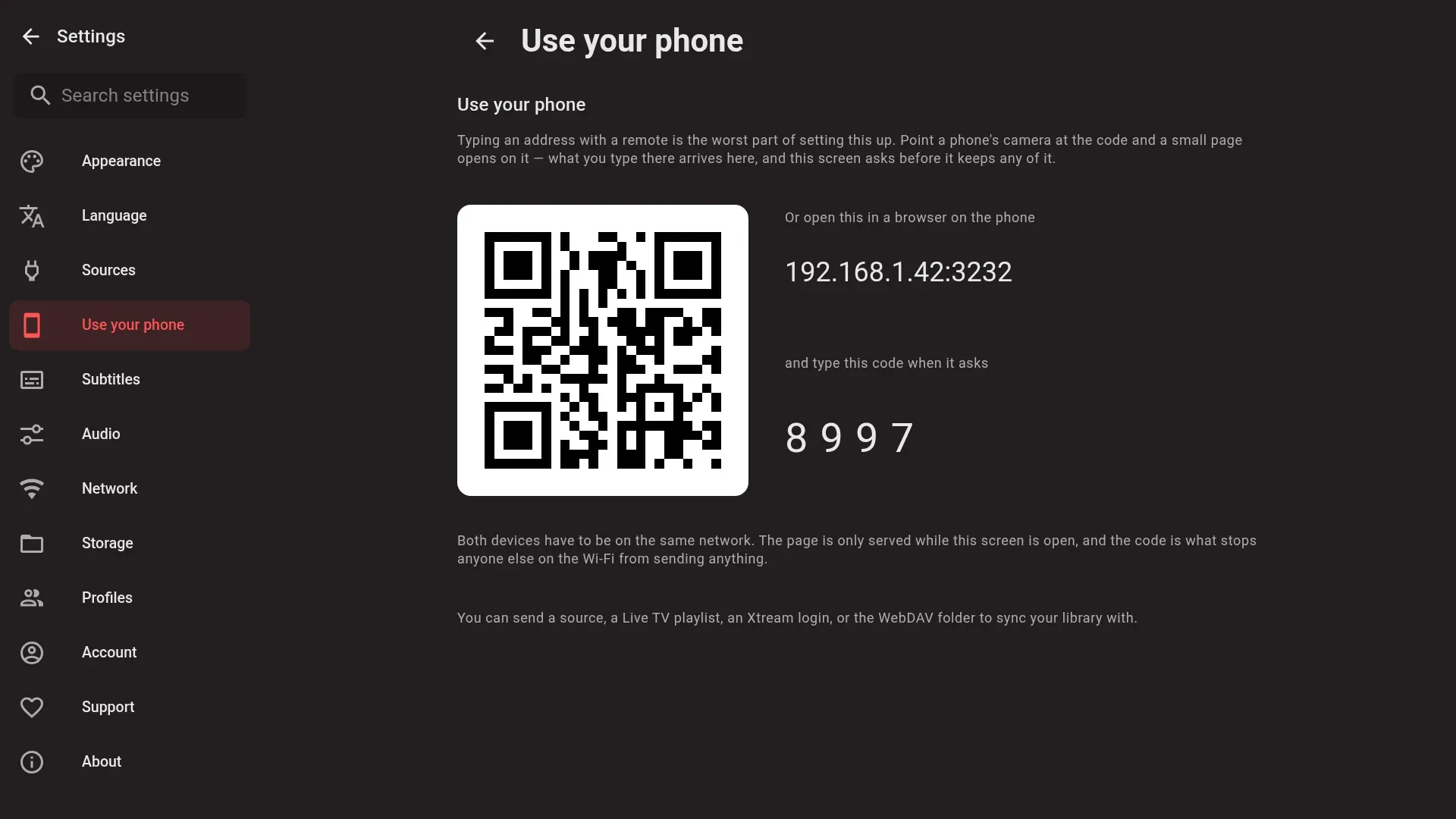
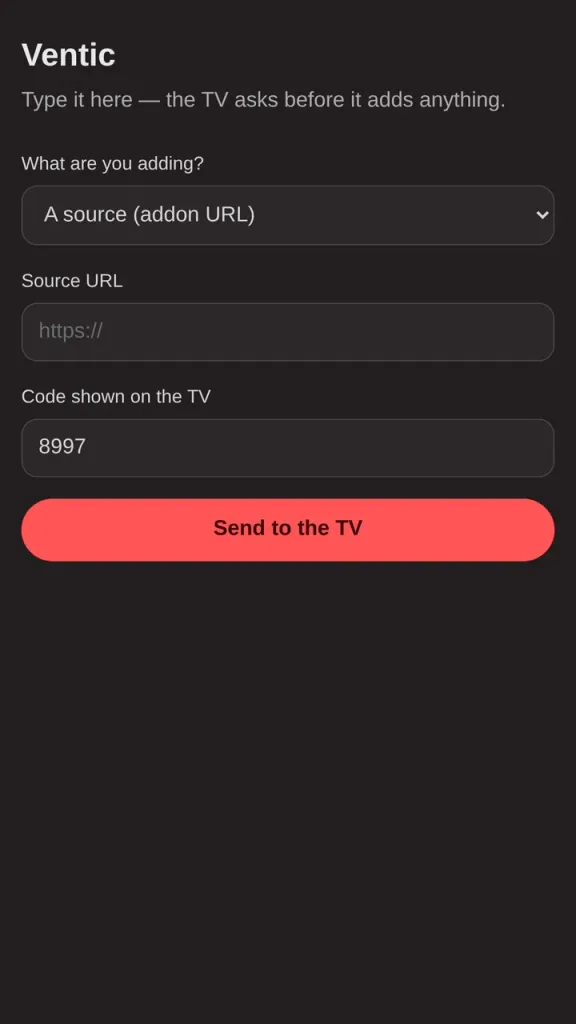
Typing a web address with a remote is the worst part of setting up any TV app, so Ventic shows a code instead. Scan it and a small page served by the TV itself opens on your phone. What you type there arrives on the TV, which asks before it keeps anything.
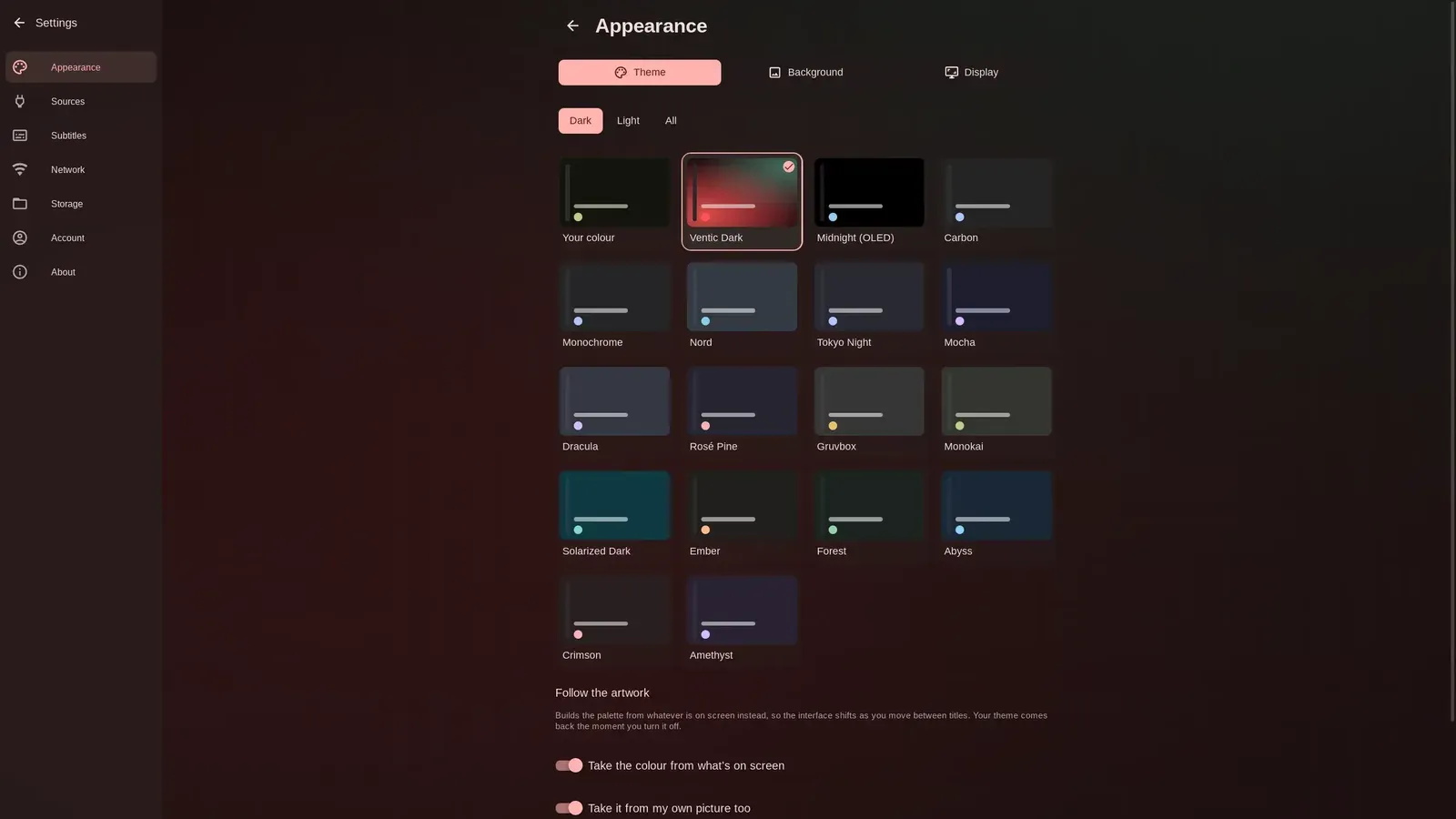
Pick a colour on the spectrum slider and Google's own generator, the one behind Material Theme Builder, works out every other colour from it. A check script tests the contrast of every text and background pair.
One Android package covers a television, a phone and a tablet. On a phone the sidebar becomes a bar along the bottom, holding a card opens what hover shows on the desktop, and films play landscape and full screen.
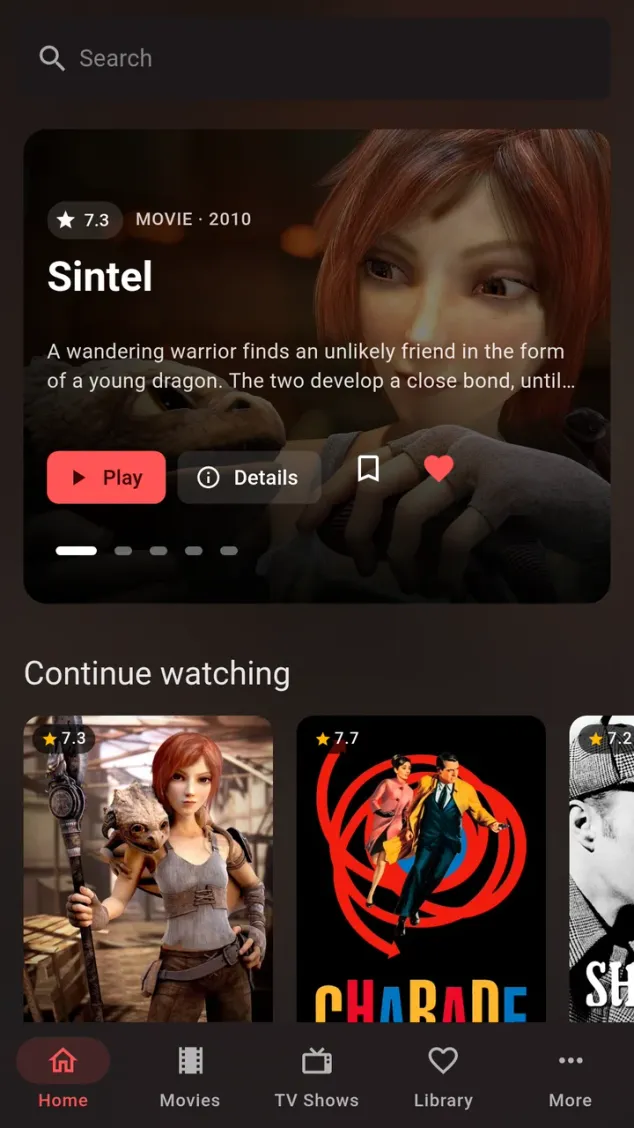
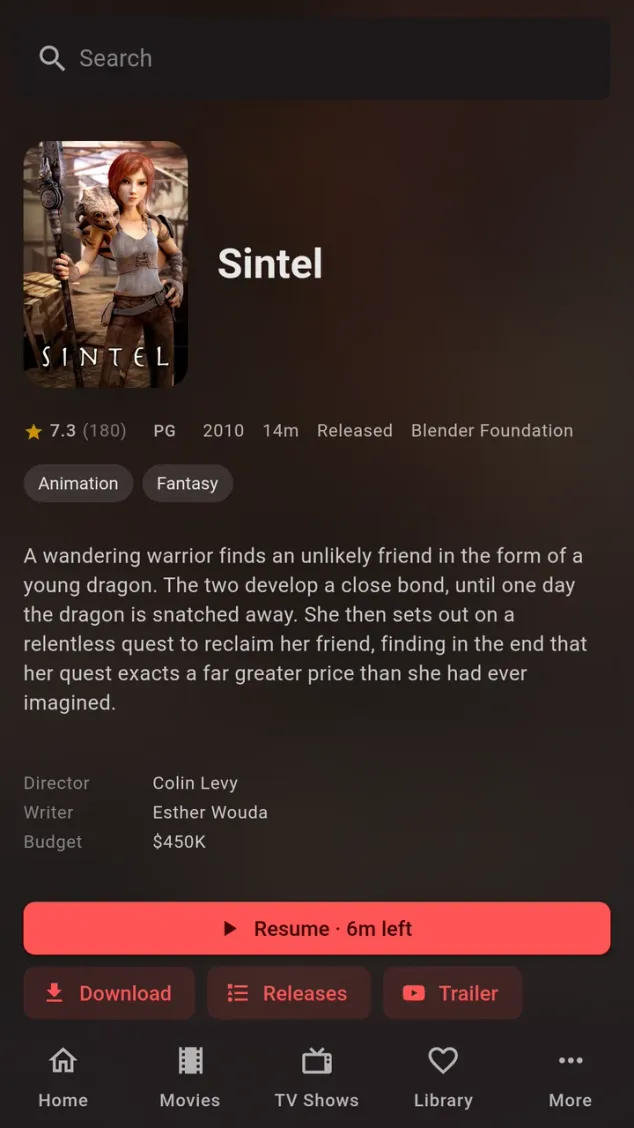
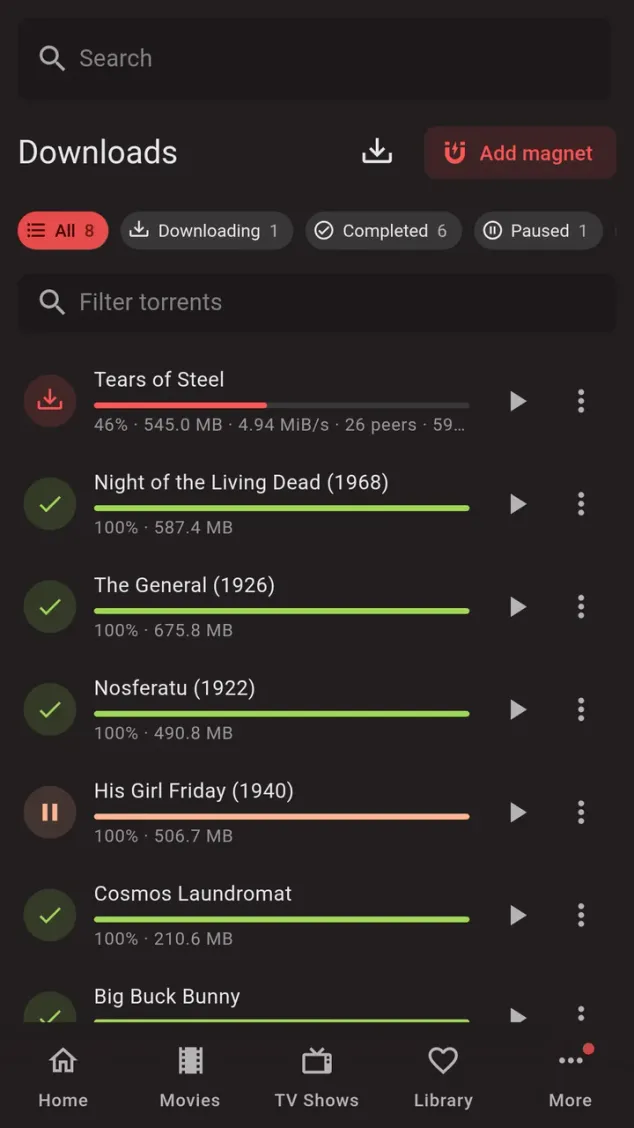
Hand a film to the TV across the room. It streams from the device that already has it, so nothing downloads twice, and starts where you were.
Keep every screen in step through a WebDAV folder you already have, such as a Nextcloud, a NAS or a hosted drive. Entries merge one at a time, so two screens never overwrite each other.
On a TV box with a few gigabytes free, a film plays through a buffer that deletes what has already played. It happens automatically, or always if you prefer.
The engine is tied to the tunnel's interface, so when the VPN drops it has no route out. Linux and macOS.
Point a title at a file on your disk and it plays from there, with progress, history and subtitles like anything else. On the desktop.
Every screen, setting and message, with film data from TMDB in the same language where it has one.
Rebind the player's keys on the desktop: seeking, volume, speed, subtitles and their timing, fullscreen.
Type what you are after, in any language, and land on the setting that does it.
Posters, backdrops, cast, ratings, per-episode watched state and resume points, with favourites, a watchlist and history kept on the device.
Continue watching, trending today, popular, top rated, in cinemas
Browse rows in a grid or a list, remembered per session
One search box for all of TMDB, and a result goes straight to a source search
Backdrop, synopsis, cast, trailer, seasons and per-episode state
An actor's or a director's page, and everything they have been in
The local list, on the device, uncapped
What you mean to get to, kept next to the rest
What you watched and where you stopped, per episode
Your playlist's channels, by category, favourites first
The engine's own page - files, speeds, peers, seeding
Who is watching, and what a child's profile may play
Every section searchable, in any of the 72 languages
Ranking checks the codecs a release name claims against the device's own decoders, so a TV that can play Dolby keeps that copy and a phone that can't gets another one of the same quality.
When something still fails, the error names the likely cause instead of showing a black rectangle.
Needs mpv and ffmpeg from your package manager
Ships its own mpv and ffmpeg - nothing to install
The device's own decoders; landscape and immersive while playing
Linked rather than launched, drawn under the webview
Every screen is built to be used from a sofa, with no separate TV mode. Real links and buttons throughout, a focus style wherever there is a hover style, decorative overlays out of the tab order, and nothing that needs typing or pointing.
How to install it on a TV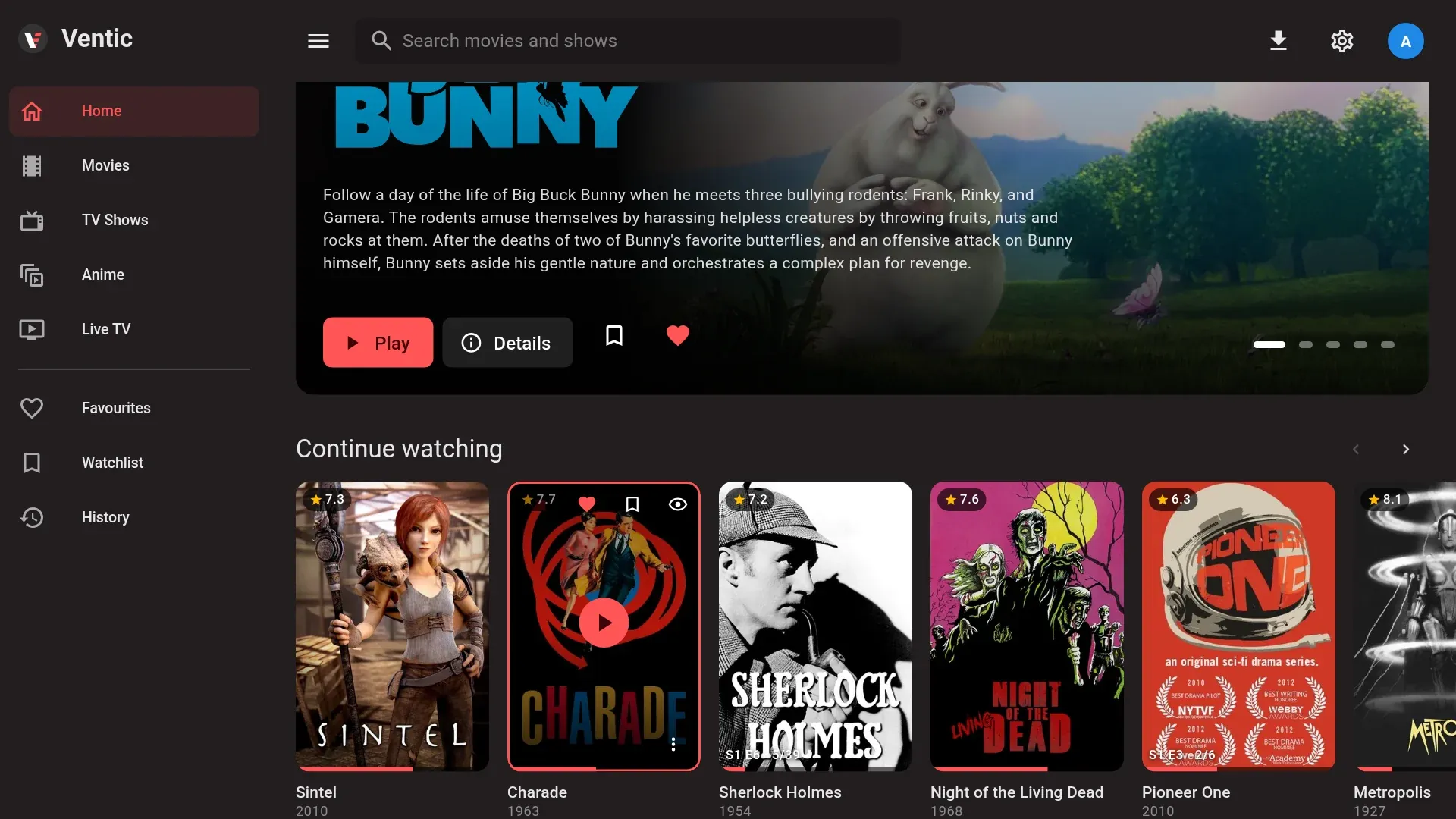
Ventic hosts no content and indexes no content. It searches nothing on its own and will not suggest anywhere to look. A source is a URL you add.
A source is a server that speaks the Stremio addon protocol. Ventic runs no code from it: it reads the JSON, ranks the results and hands the one you pick to its own engine.
GET  {source}/stream/movie/{imdbId}.json
GET  {source}/stream/series/{imdbId}:{s}:{e}.json
→    { "streams": [ { "infoHash": "…", "title": "…" } ] }
Add several and their results are merged, without duplicates. A debrid addon answers with a URL instead of an info hash, and Ventic plays that directly, with no swarm and nothing written to disk.
Ventic registers the ventic:// scheme so an addon page can offer a one-click install. The app always shows the full URL and asks before adding it.
Nothing phones home. There is no build flag to turn back on.
There is nothing to sign into. Watch state stays on the device, or goes to a WebDAV folder you name if you turn sync on.
A debrid key lives inside the source URL you added, and backup files leave out anything that holds a password or key.
With no sources configured, the app queries no one for releases at all.
Posters, backdrops, synopses, cast and ratings, and the title → IMDb id lookup
The OpenSubtitles list, and the one case TMDB cannot produce an IMDb id for
A title's trailer, on the no-cookie domain
One unauthenticated request at startup asking whether a newer release exists
A Live TV playlist or Xtream server, and your own WebDAV folder for sync, once you have added them
One download, no account, and nothing is searched until you tell it where to look.